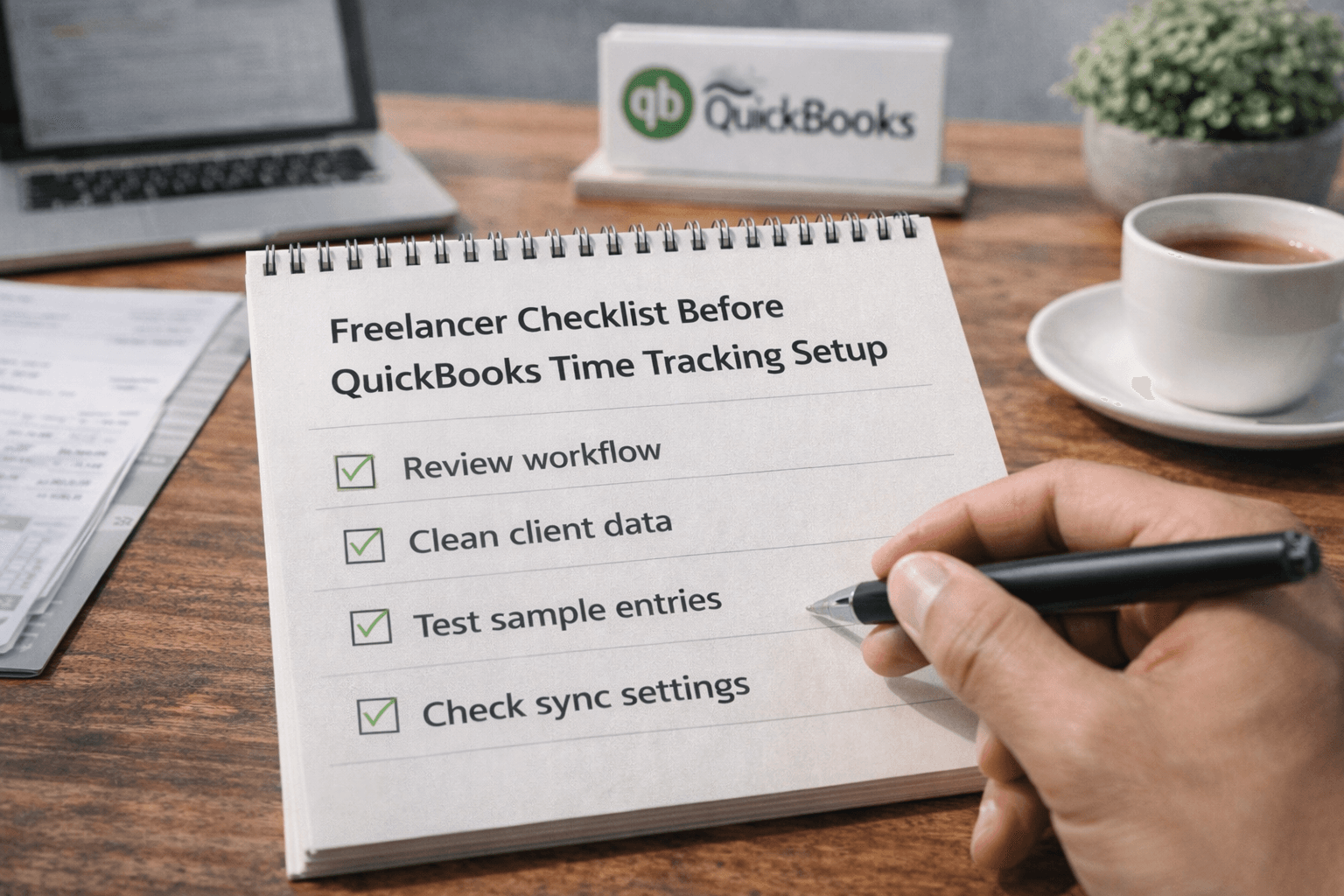

Freelancer Checklist Before QuickBooks Time Tracking Setup
Most issues don’t start after integration. They start before it. Freelancers often connect tools too quickly. Later, they realize the setup does not match how they work.
Before using time tracking software with QuickBooks Integration, you need to check a few key things. This helps avoid setup problems, data confusion, and billing issues.
Why Pre-Setup Checks Matter
If your setup is wrong from the start, fixing it later becomes harder.
Data structure already mismatched
Clients duplicated across systems
Projects not aligned properly
Time entries are mapped incorrectly
Reports showing inconsistent data
A simple checklist before integration can save hours later.
1. Check Your Current Workflow First
Don’t start with tools. Start with how you work.
How do you track time daily?
How you organize client projects
How do you bill clients regularly?
How often do you send invoices?
How do you review time entries?
Your tool should match this, not change it.
2. Review Your Client and Project Structure
This is one of the most common causes of issues.
Client names consistent everywhere
Project naming is clearly defined
No duplicate client records
Same structure across both tools
Archived clients cleaned up
If this is messy, integration will amplify it.
3. Understand How Data Will Sync
Don’t assume the sync will “just work.”
One-way or two-way sync
What data gets pushed exactly
When syncing actually happens
What triggers the sync process
How updates are handled
Clarity here prevents confusion later.
4. Check Billable and Non-Billable Setup
Freelancers often miss this step.
Clear rules for billable hours
Non-billable tasks are separated properly
Same logic across both systems
Default settings reviewed carefully
No mixed tagging during tracking
This directly affects invoice accuracy.
5. Test with Sample Data Before Full Use
Never connect everything at once.
Create a test client and project
Track small sample time entries
Sync and review data results
Check invoice output accuracy
Fix issues before scaling usage
This step helps you catch issues early.
6. Verify Permissions and Access Control
Even freelancers may work with collaborators.
Who can edit time entries?
Who can approve tracked time?
Who controls syncing actions?
Who manages client data?
Who handles final invoices?
Clear roles prevent accidental changes.
7. Check Compatibility with Your QuickBooks Version
Not all integrations work the same way.
QuickBooks Online vs Desktop support
Supported features within integration
Limitations in data syncing
Available customization options
Future updates and support
This matters more than most freelancers expect.
Quick Pre-Integration Checklist
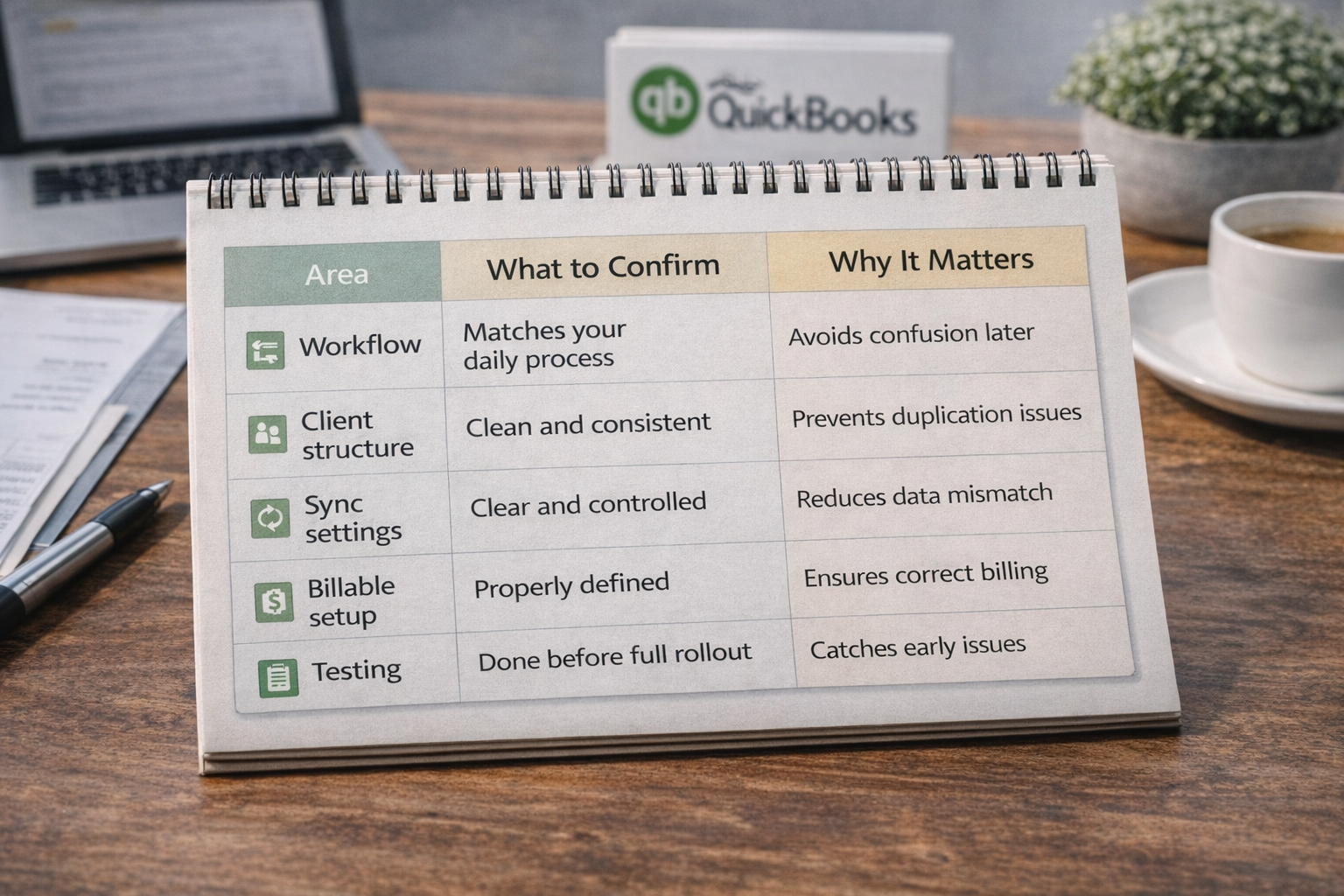
Area | What to Confirm. | Why It Matters |
|---|---|---|
Workflow | Matches your daily process | Avoids confusion later |
Client structure | Clean and consistent | Prevents duplication issues |
Sync settings | Clear and controlled | Reduces data mismatch |
Billable setup | Properly defined | Ensures correct billing |
Testing | Done before full rollout | Catches early issues |
What Freelancers Usually Miss
Even experienced freelancers skip basic checks.
Rushing into the integration setup
Ignoring client data cleanup
Not testing before full usage
Assuming default settings work
Overlooking sync behaviour details
This is where most problems begin.
When This Checklist Helps Most
You should follow this if:
You are setting up integration for the first time
You manage multiple active clients
You bill based on tracked hours
You want consistent financial records
This is where time tracking software for freelancers works best. It needs the right setup to deliver accurate results.
Frequently Asked Questions
What should freelancers do before integrating tools?
Review workflow, clean client data, and test the setup with sample entries before using it fully.
Can a poor setup affect QuickBooks reports?
Yes. If the setup is wrong, reports will show incorrect data and cause confusion later.
Should freelancers test before full integration?
Yes. Testing helps catch mapping and sync issues early.
Is QuickBooks integration the same for all tools?
No. Each tool handles syncing differently, so understanding its behavior is important.
What is the most common mistake before integration?
Skipping data cleanup and starting with inconsistent client or project structures.
Related Posts

Best Time Tracking Tools for Faster Freelancer Invoicing
Find the best time tracking software for freelancers that helps create invoices faster, reduce manual work, and improve billing accuracy with simple workflows.
Choose Time Tracking Software That Syncs with QuickBooks
Choose time tracking software with QuickBooks integration that keeps data accurate, avoids sync issues, and protects your workflow.